
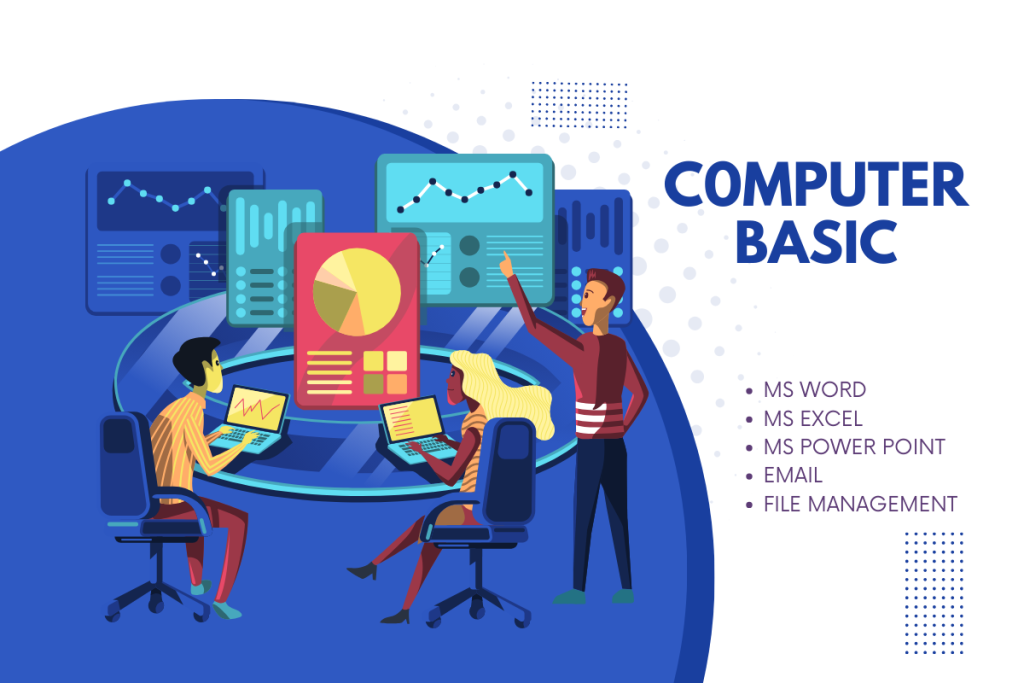
Embark on a transformative learning experience with our specialized Computer Basics Course in Mandya. Designed for beginners, our comprehensive program offers expert-led training in essential computer concepts. Dive into hands-on sessions, exploring everything from basic software applications to fundamental hardware knowledge. Our experienced instructors provide personalized guidance, ensuring you gain confidence in using computers effectively. Whether you’re aiming to enhance your digital literacy or kickstart a rewarding tech career, our course equips you with the necessary skills.
What sets our course apart is its interactive nature. Engage in dynamic discussions, collaborate on projects, and get answers to your queries from seasoned professionals. We understand that every learner is unique; that’s why our instructors tailor their approach to cater to diverse learning styles. Whether you’re a student aiming to excel in academics or a professional looking to boost your career prospects, our Computer Basics Course is your gateway to a tech-savvy future.
Moreover, Vega institute in Mandya provides a conducive learning environment equipped with state-of-the-art facilities. Join our vibrant community of learners and discover the power of digital knowledge. Enroll now and empower yourself with the skills that are indispensable in today’s tech-driven world.
What you'll learn
Understanding Computers:
- Overview of computer history and evolution.
- Differentiating between types of computers: desktops, laptops, tablets.
- Familiarization with key hardware components and their functions.
Operating Systems Basics:
- Introduction to popular operating systems: Windows, macOS, Linux.
- Navigating the desktop, taskbar, and start menu.
- Managing user accounts and settings.
Software Fundamentals:
- Introduction to essential software applications.
- Basics of word processing, spreadsheets, and presentation tools.
- Installing and uninstalling software.
Internet Navigation:
- Exploring the World Wide Web and understanding browsers.
- Conducting online searches and bookmarking websites.
- Safe browsing practices and understanding cookies.
Email Essentials:
- Setting up and configuring an email account.
- Composing, sending, and organizing emails.
- Understanding email attachments and safety precautions.
File Management:
- Creating, saving, and organizing files and folders.
- Understanding file extensions and formats.
- Using external storage devices like USB drives.
Keyboard & Mouse Proficiency:
- Mastering key keyboard shortcuts for efficiency.
- Enhancing mouse skills for selection, dragging, and dropping.
Course Features:
- 10 Hourse Class Room/OnlineTraining
- Downloadable Resources
- Certificate of Completion
Course Reviews
What our students
have to say
The Computer Basics course at Vega Institute was a revelation for me. The comprehensive curriculum combined with the patient and knowledgeable instructors made technology seem approachable. I now navigate my computer with ease and confidence, all thanks to Vega

Koyal
Student
Vega Institute's Computer Basics course was the perfect starting point for my journey into the digital world. Their hands-on approach ensured I grasped every concept, and the real-world applications they provided were invaluable. I wholeheartedly recommend Vega to anyone looking to solidify their foundational computer skills

Anjali